Enterprise product discovery for Shopify Plus

Add connected AI discovery across a Shopify Plus catalog

RecoMelon helps Shopify Plus teams connect natural-language search, visual recommendations, smart collections and complementary bundles across large, multi-category and multi-market catalogs. Deployments can be phased around the storefront architecture, data ownership and measurement requirements of the brand.

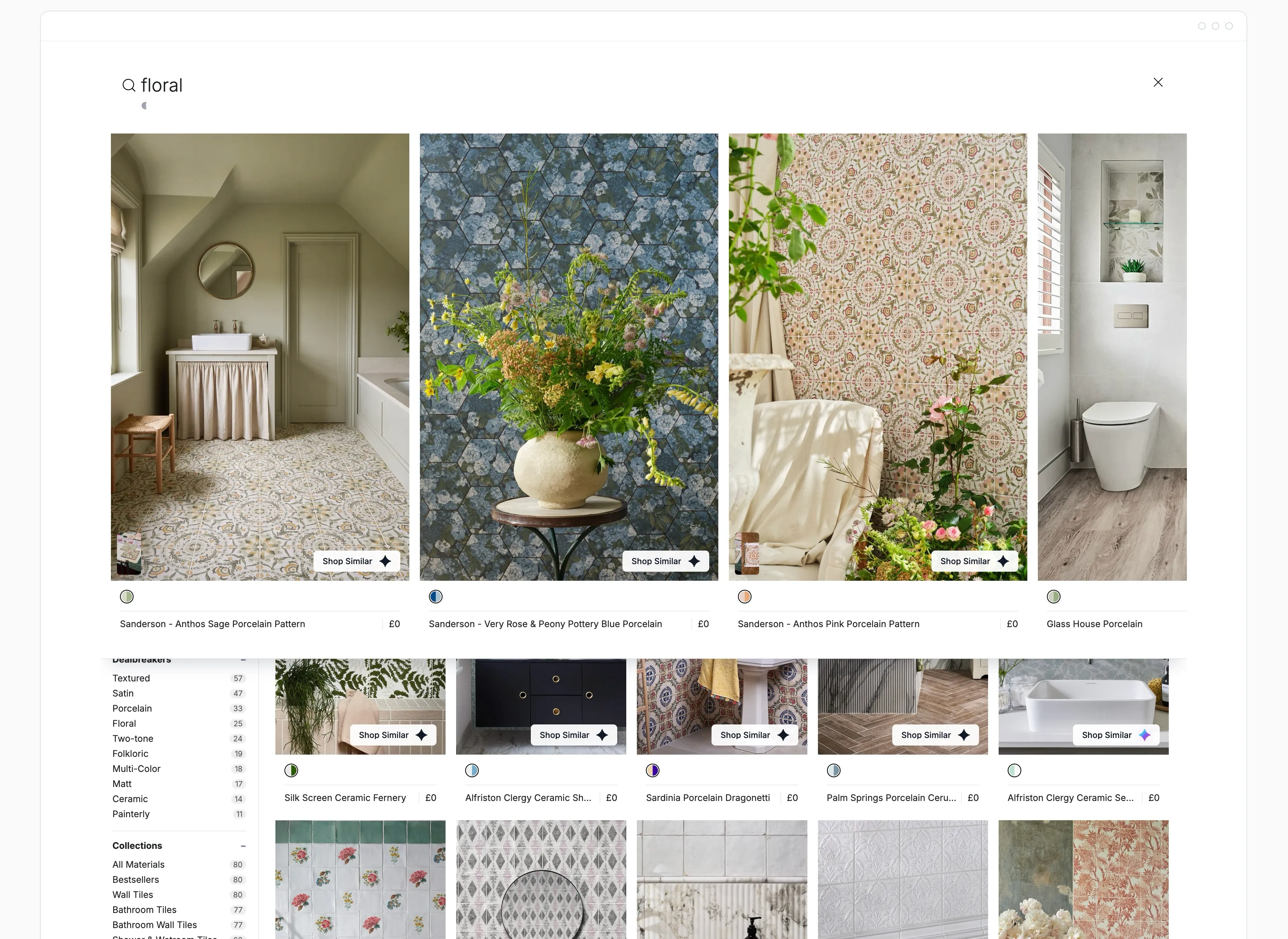
The Index search interface showing a natural language query and matching products

The discovery problem

Keep discovery coherent across a complex Shopify estate.

A Shopify Plus team may be managing several categories, regional storefronts and release schedules at once. The difficulty is often maintaining relevant product journeys while stock, variants and merchandising priorities change across those contexts.

Map the highest-friction surface first. Separate a shopper relevance problem from a market-eligibility problem or an operational bottleneck, then choose a category and market where the team can establish a reliable baseline.

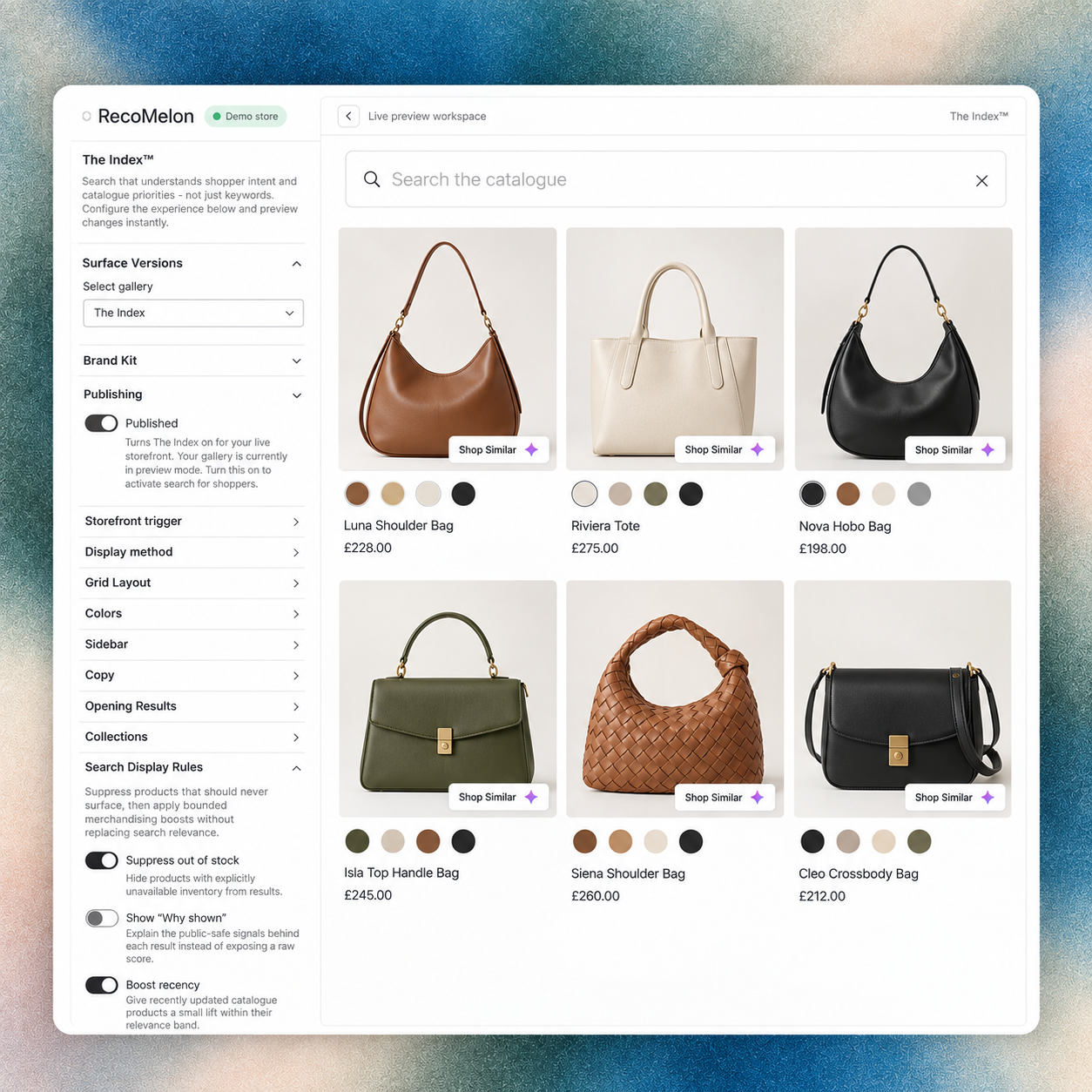
RecoMelon The Index backoffice designer with storefront discovery settings and a complete product collection preview.

Where RecoMelon fits

Choose the discovery surface with the clearest opportunity.

  • Where RecoMelon fits


    The discovery task

    RecoMelon can be evaluated across natural-language search with The Index™, PDP alternatives with Reveal™ or Shop Similar, and complementary sets with Bundles™. VisualDNA™ provides product relationships that can support these visual decisions.

    RecoMelon The Index backoffice designer with storefront discovery settings and a complete product collection preview.

  • Where RecoMelon fits


    The implementation boundary

    Start with the capability that addresses the documented gap.

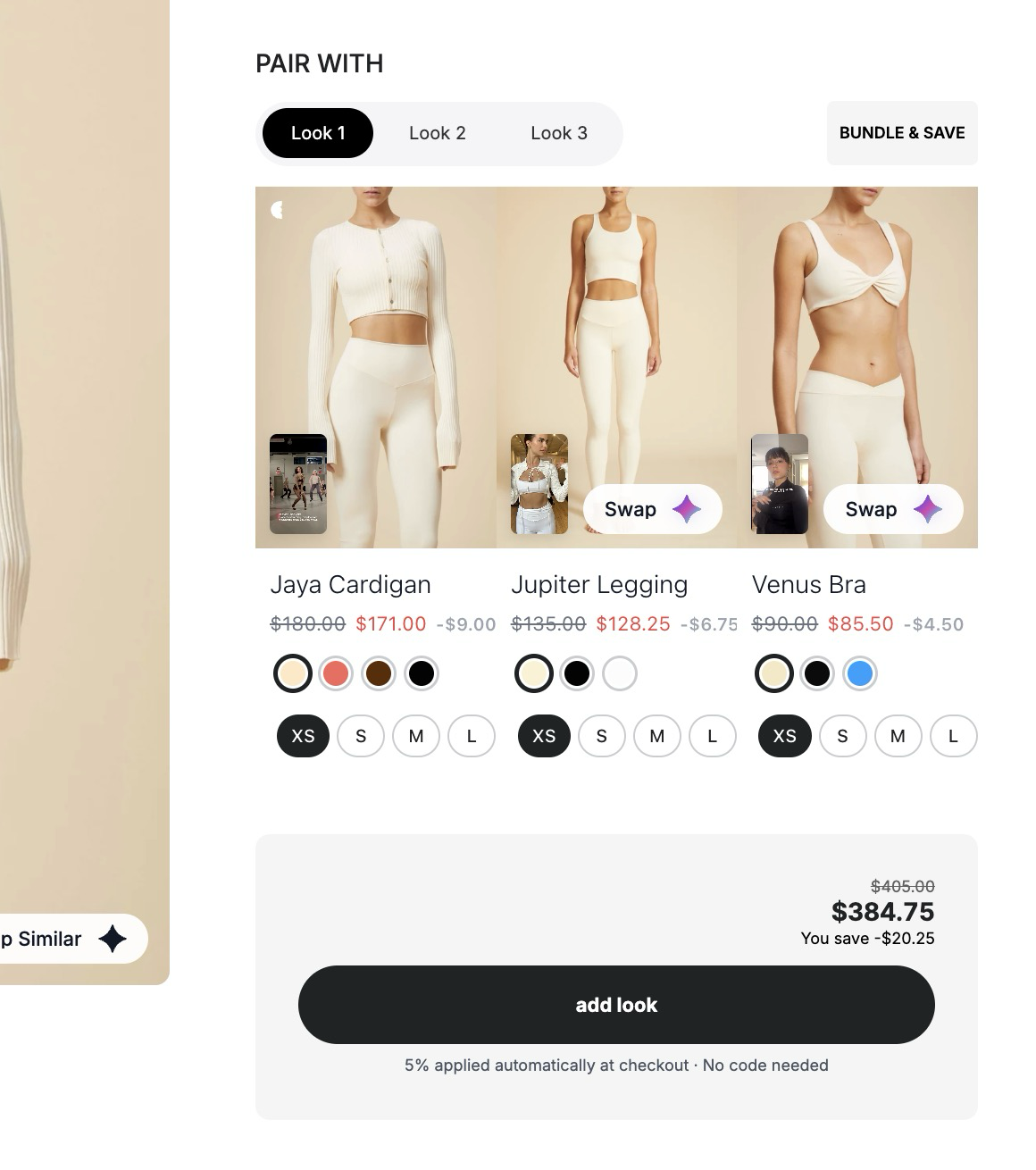
    RecoMelon Bundles showing a dress, straw bag and sandals with Look tabs, product swap controls, size choices and Add Look button.

  • Where RecoMelon fits


    The conditions to validate

    Use current product and variant data to constrain the experience, and review representative recommendations with the merchandising team before exposing them to the selected audience.

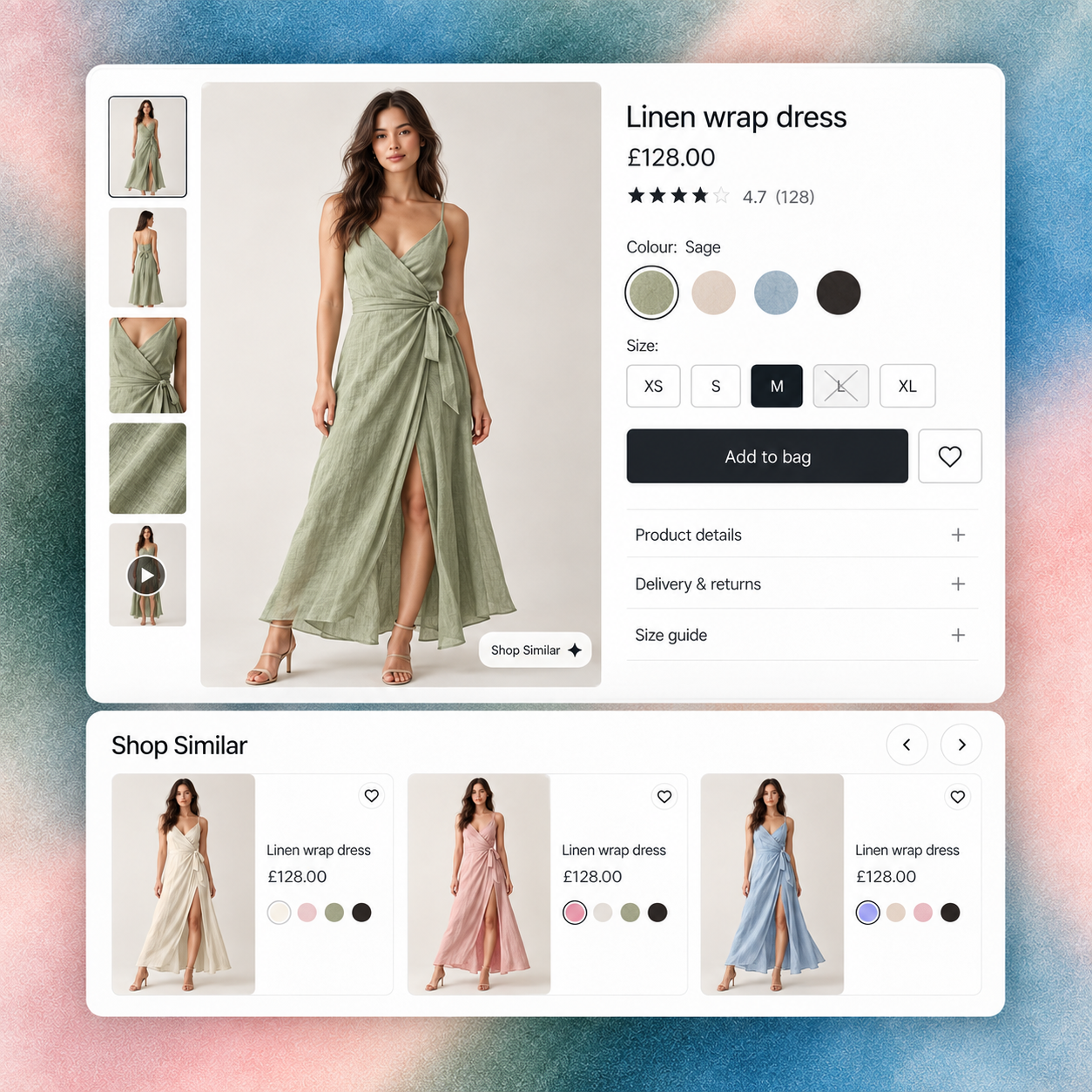
    Fashion product page for a sage wrap dress with colour and size choices, an unavailable size and RecoMelon Shop Similar alternatives.

  • Where RecoMelon fits


    Review new-season discovery

    Use a representative collection to assess how newly introduced products become part of a useful shopping journey.

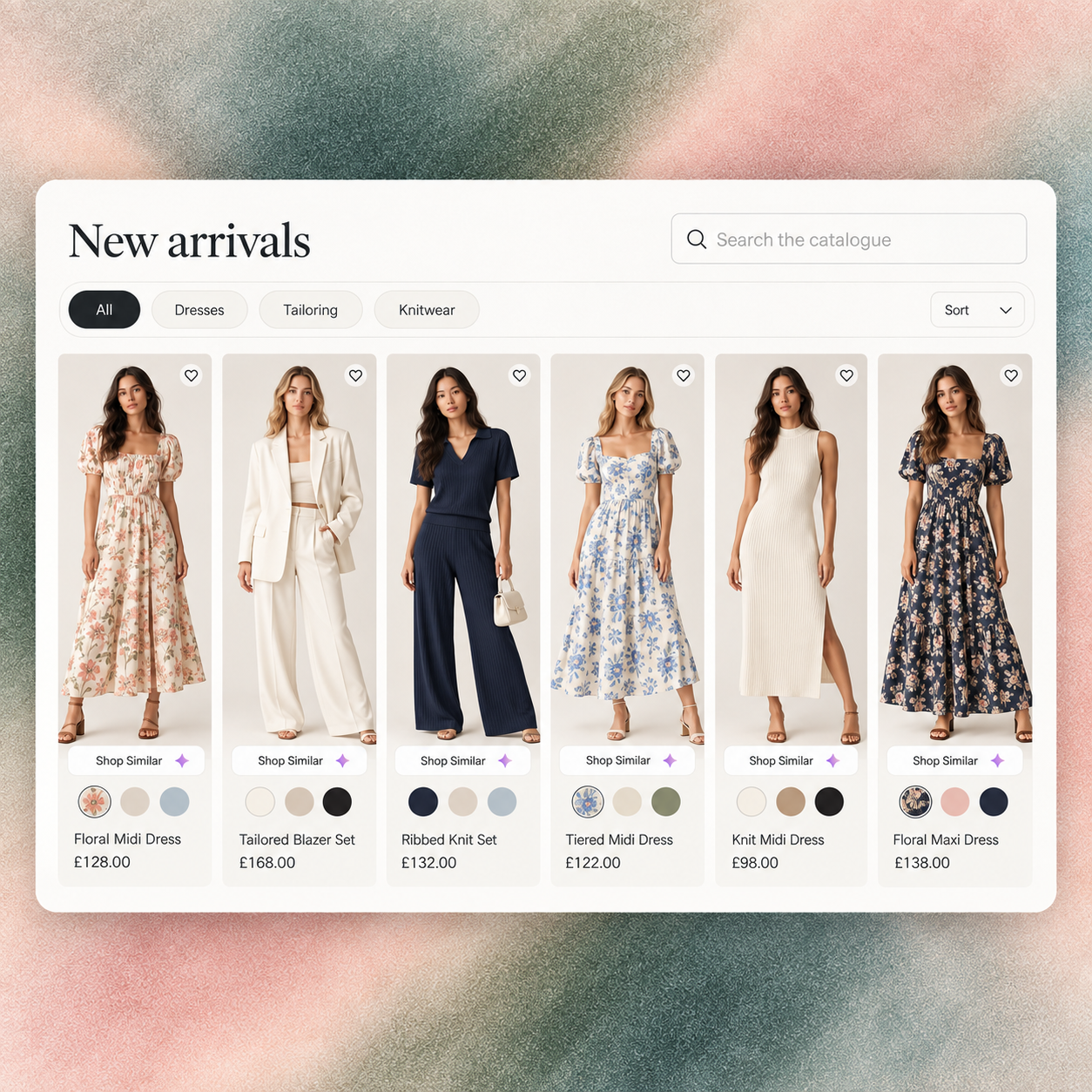
    RecoMelon New Arrivals fashion collection with varied tailoring, dresses and knitwear, category filters and Shop Similar controls.

  • Where RecoMelon fits


    Validate the mobile presentation

    Review product details and related options on a narrow screen before extending the experience across the storefront.

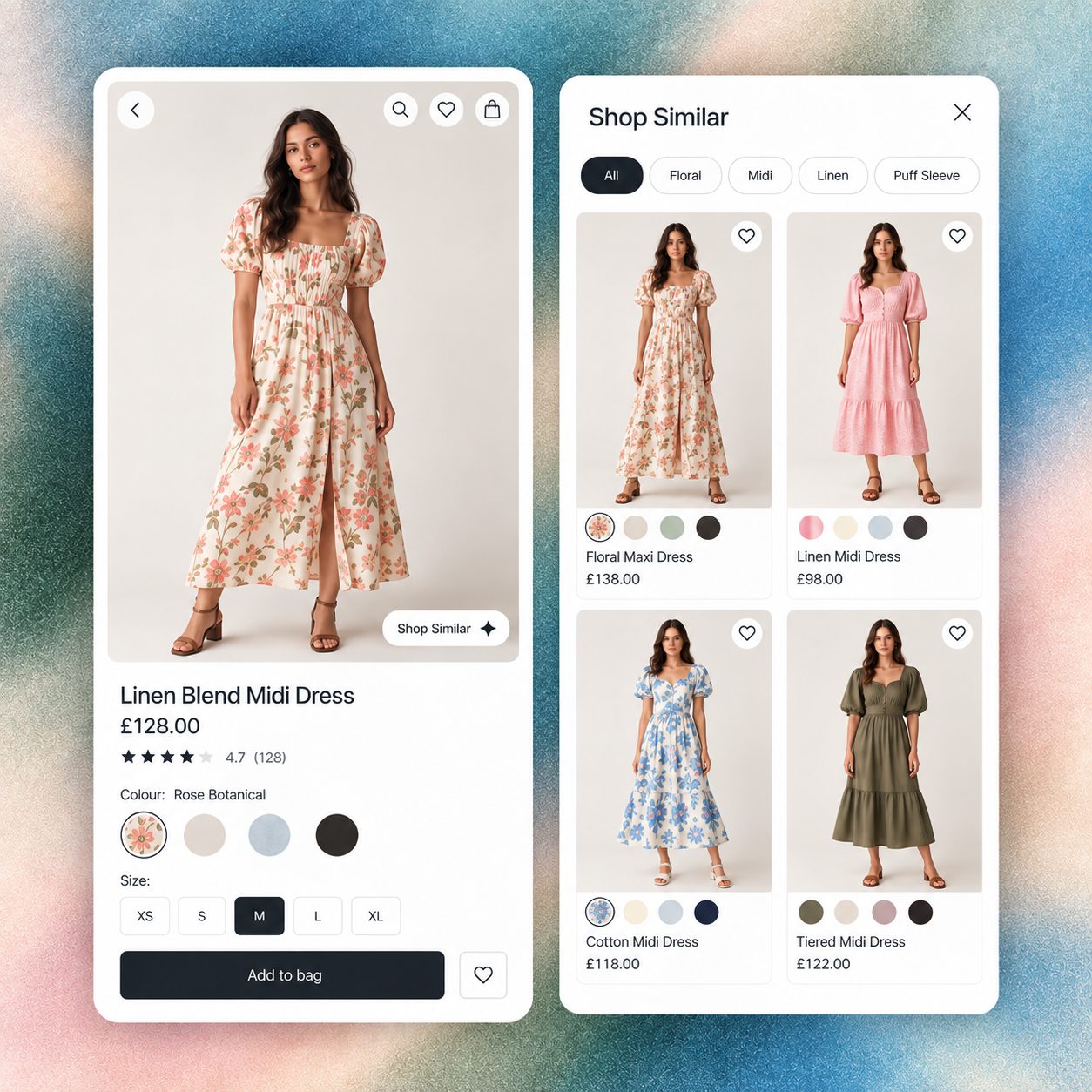
    Mobile fashion product page beside an open RecoMelon Shop Similar panel with related dresses and colour choices.

Coexistence and implementation

Treat rollout as a governed storefront change.

  • Define the implementation scope

    For a theme-based storefront, review the relevant Shopify blocks, sections and templates. For a custom or headless implementation, scope the delivery path with the storefront team. Agree ownership of catalog ingestion, market eligibility, analytics and releases.

  • Confirm the operating boundaries

    Keep the initial deployment bounded and define a fallback for the selected surface. Confirm how exclusions and commercial priorities will be applied in the actual setup rather than assuming every storefront in the estate is configured identically.

Evaluation and evidence

Prove one market before widening the rollout.

Measure product exploration, recommendation engagement, conversion and average order value for the selected category and market. Record implementation work, merchandising review time and exceptions that need manual attention.

Use consistent attribution and a suitable control where traffic allows it. Expand only after checking that the result holds across the relevant devices, stock conditions and shopper journeys; success in one market is a reason to test the next, not a guarantee.

How is a Shopify Plus deployment scoped?

Compare the platforms when search, recommendations and merchandising need to work across a large or visually complex catalogue.

Bloomreach presents a broad discovery platform. RecoMelon concentrates on making product imagery and catalogue context operational inside Shopify journeys.

What makes RecoMelon different?

RecoMelon builds visual relationships between products and uses them across The Index™ search, Smart Collections, Reveal™ PDP discovery and Bundles™. This can be particularly useful where style, colour, silhouette, pattern or finish affect relevance.

Must Bloomreach be removed first?

No. Scope which platform owns each surface and run a controlled test. RecoMelon can begin with PDP alternatives, a selected collection or complementary-product discovery while the current search stack remains live. No native Bloomreach connector is assumed.

What should procurement evaluate?

Review catalogue preparation, integration ownership, merchandising workload, time to value, regional requirements, explainability, reporting and the commercial result on a representative category.

Start with the catalog, markets, storefront architecture and priority discovery surfaces. Agree how products and variants are ingested, which system owns each experience, how analytics are attributed and how releases are governed.

Can RecoMelon start on one market or category?

Yes. A phased rollout provides a lower-risk way to validate relevance and commercial outcomes before expanding.

Does RecoMelon require a theme rebuild?

No blanket rebuild is required. Shopify 2.0 blocks and sections support many deployments, while custom or headless storefronts are scoped to their architecture.

Define the lowest-risk enterprise starting point

Share your catalog scale, markets, storefront model and current discovery stack. We’ll map a phased deployment.

Request a catalog review