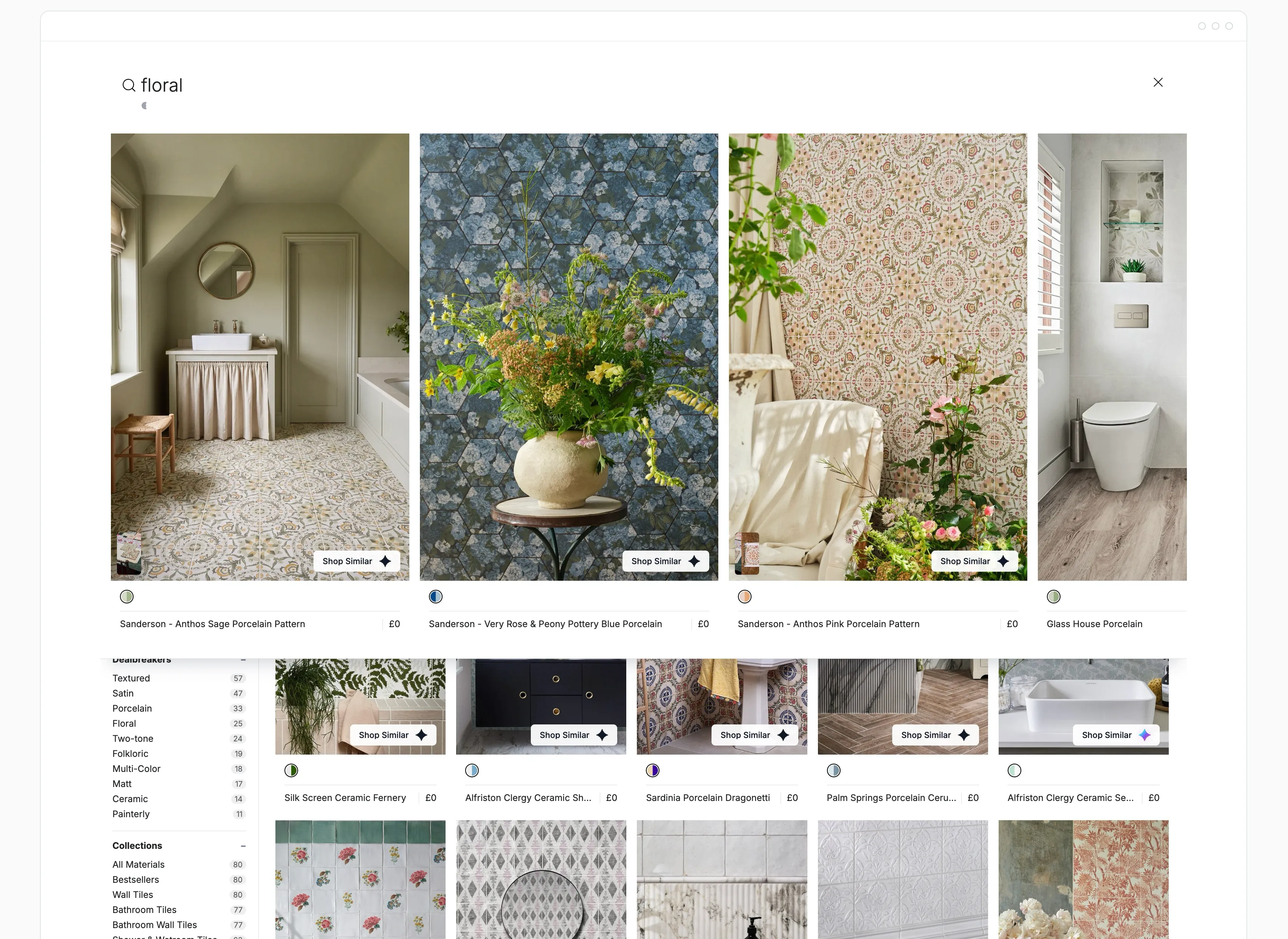
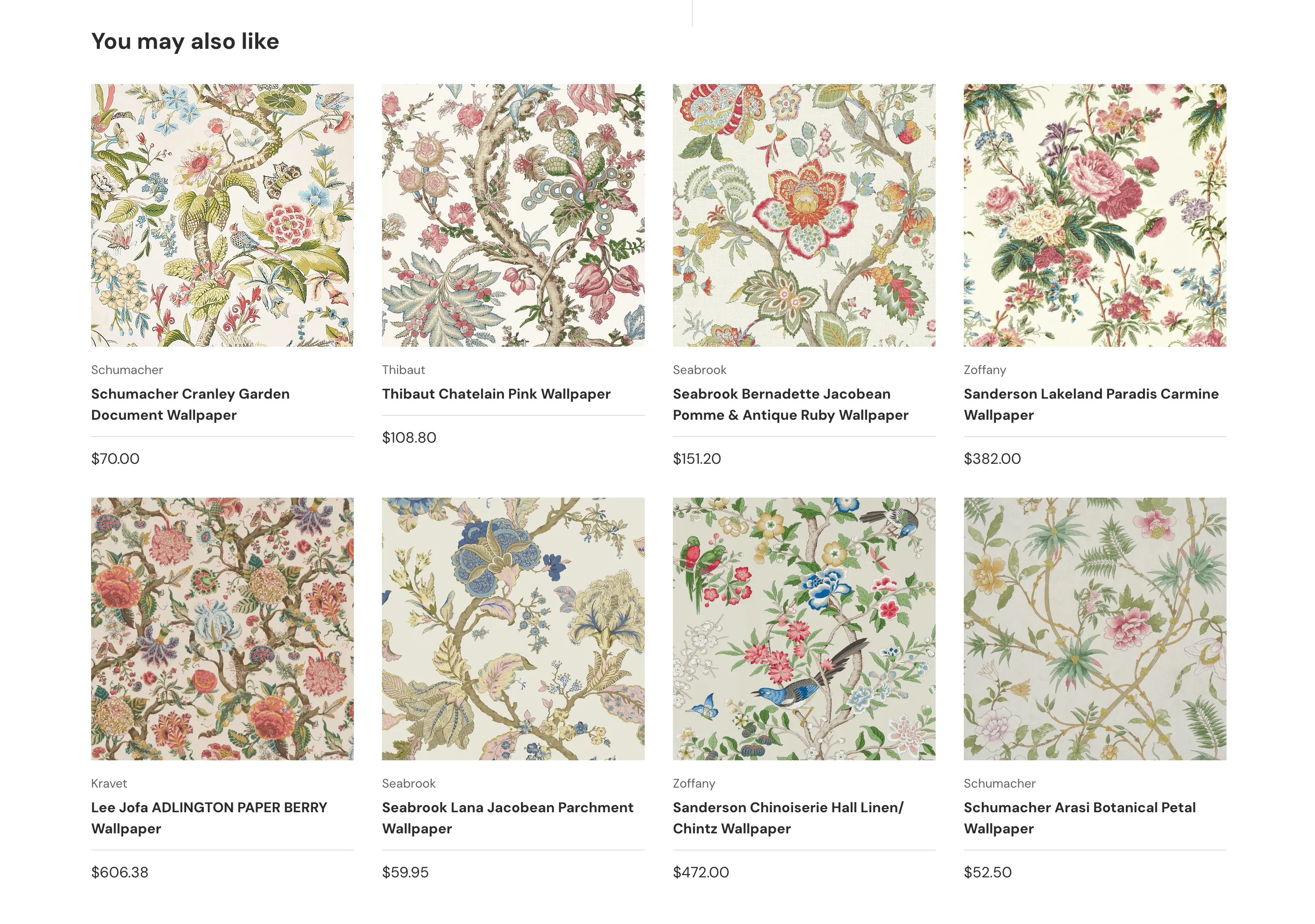
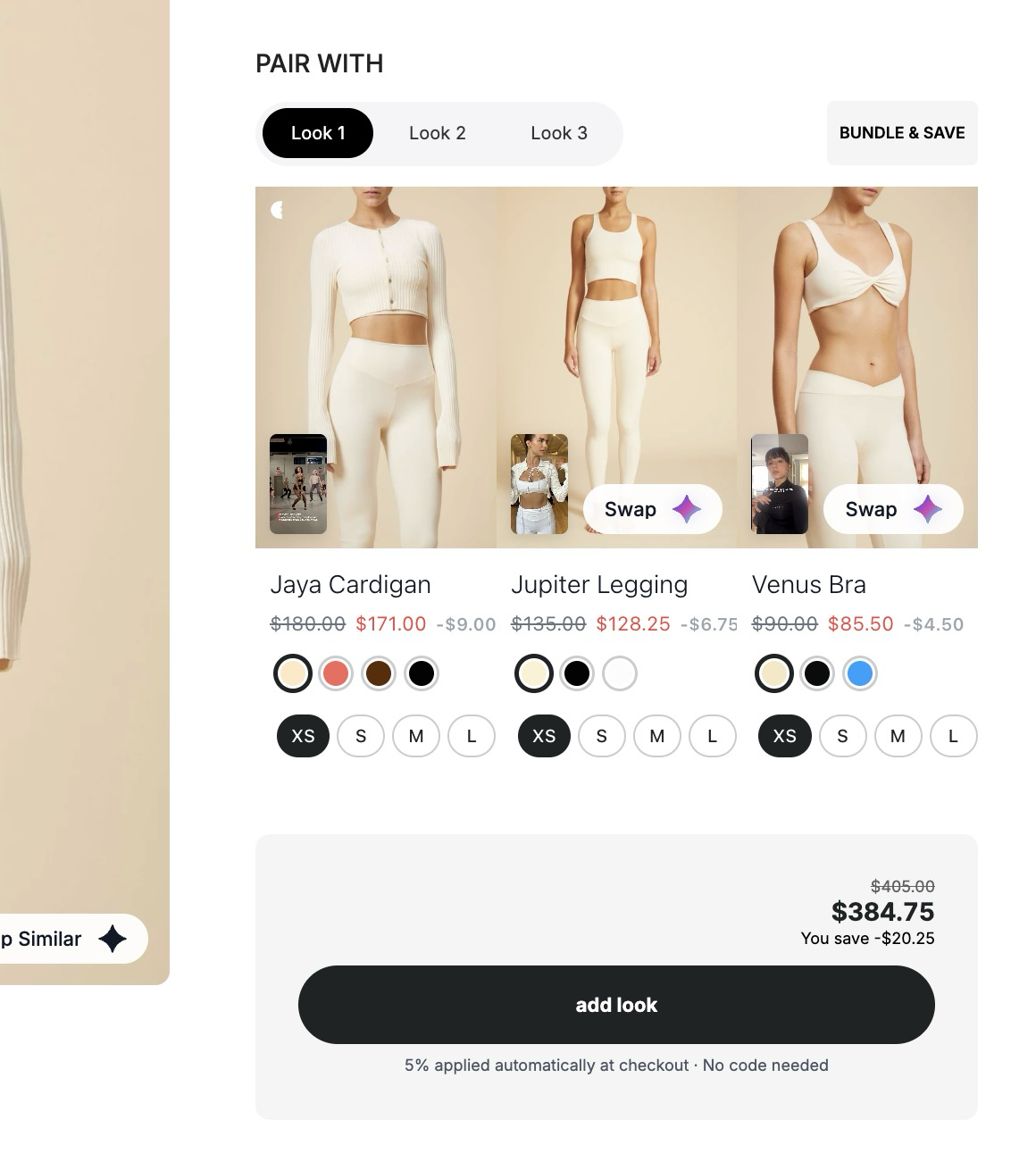
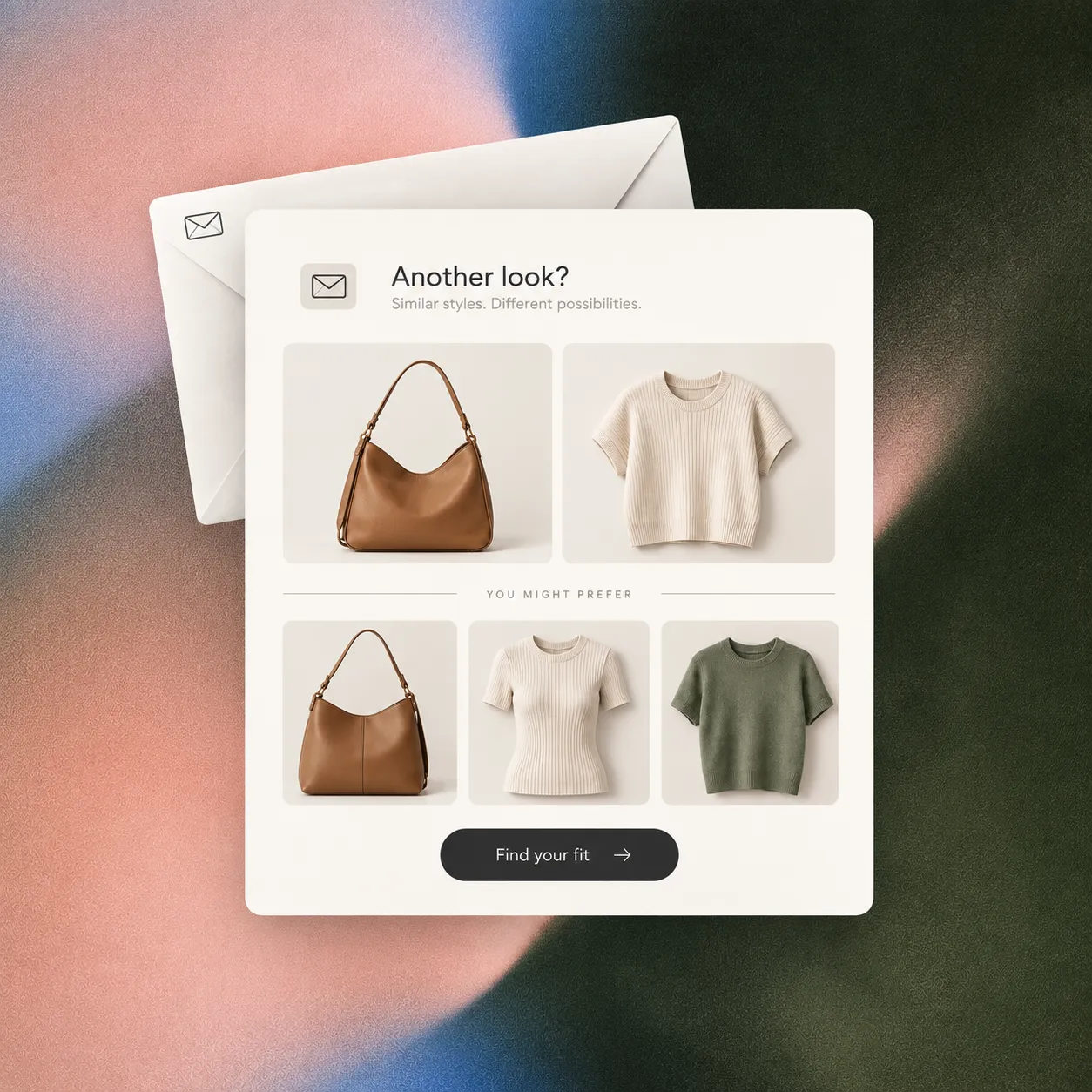
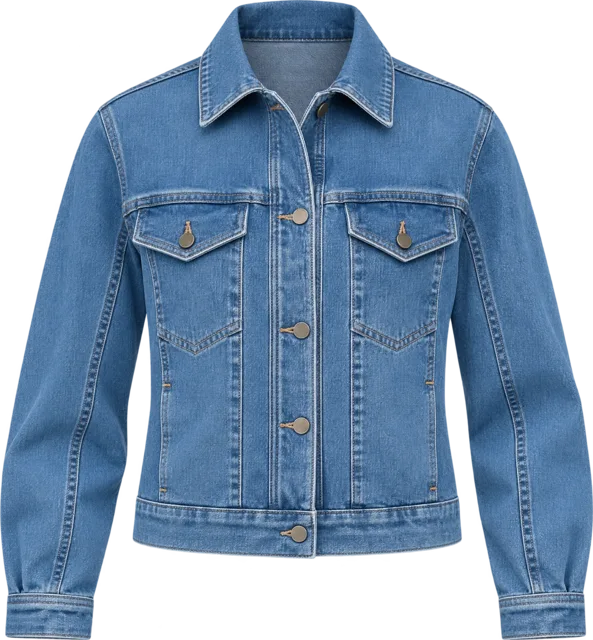
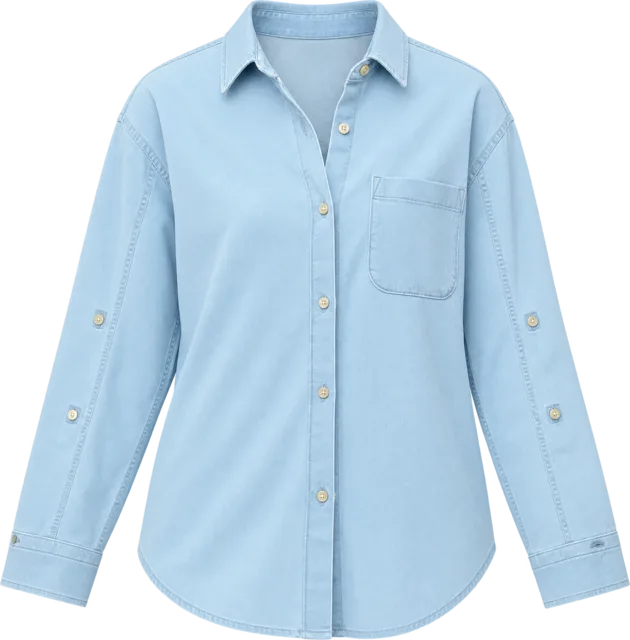
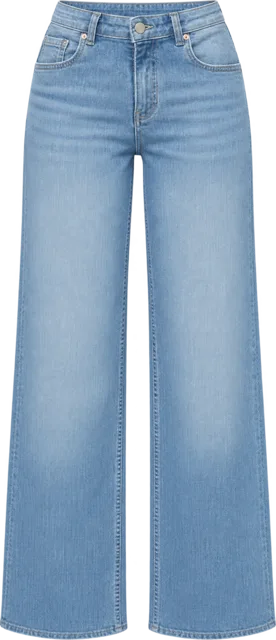
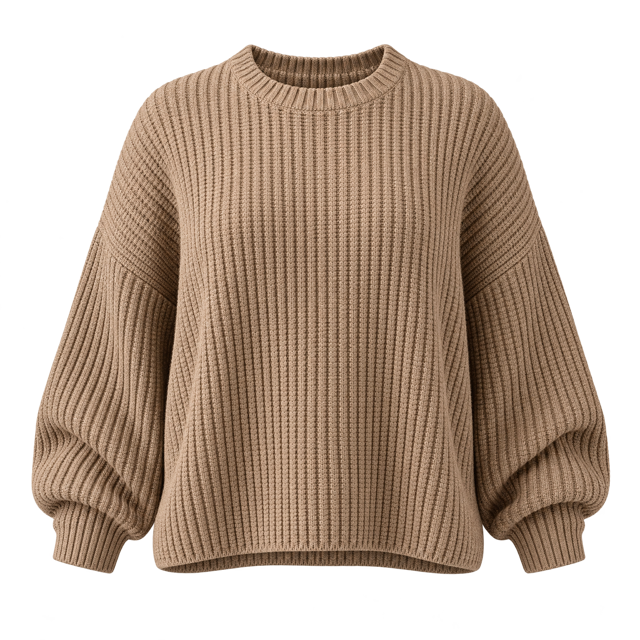
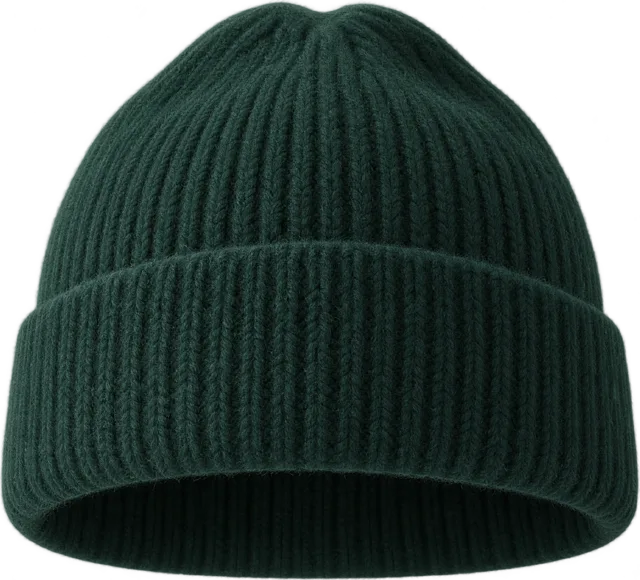
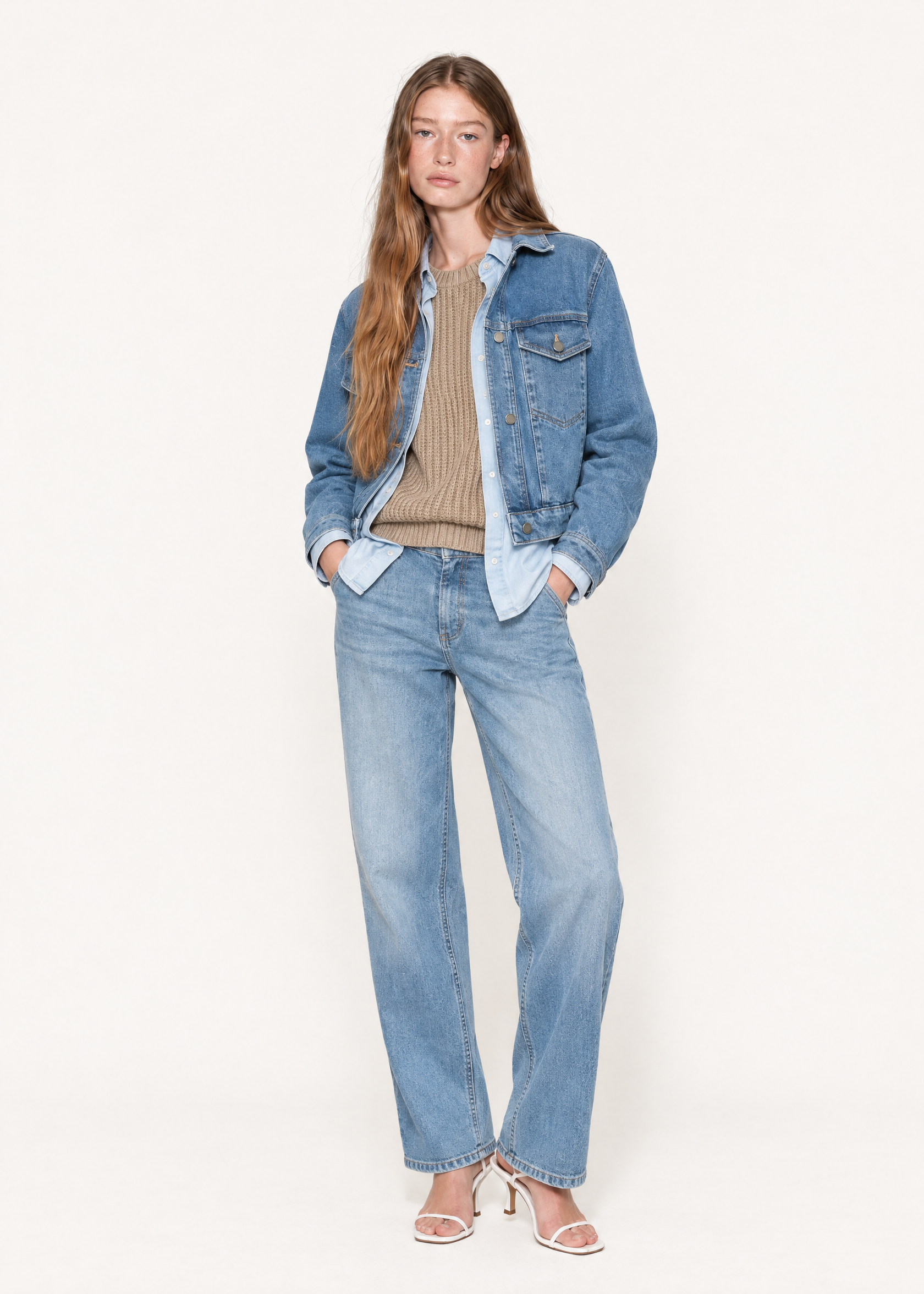
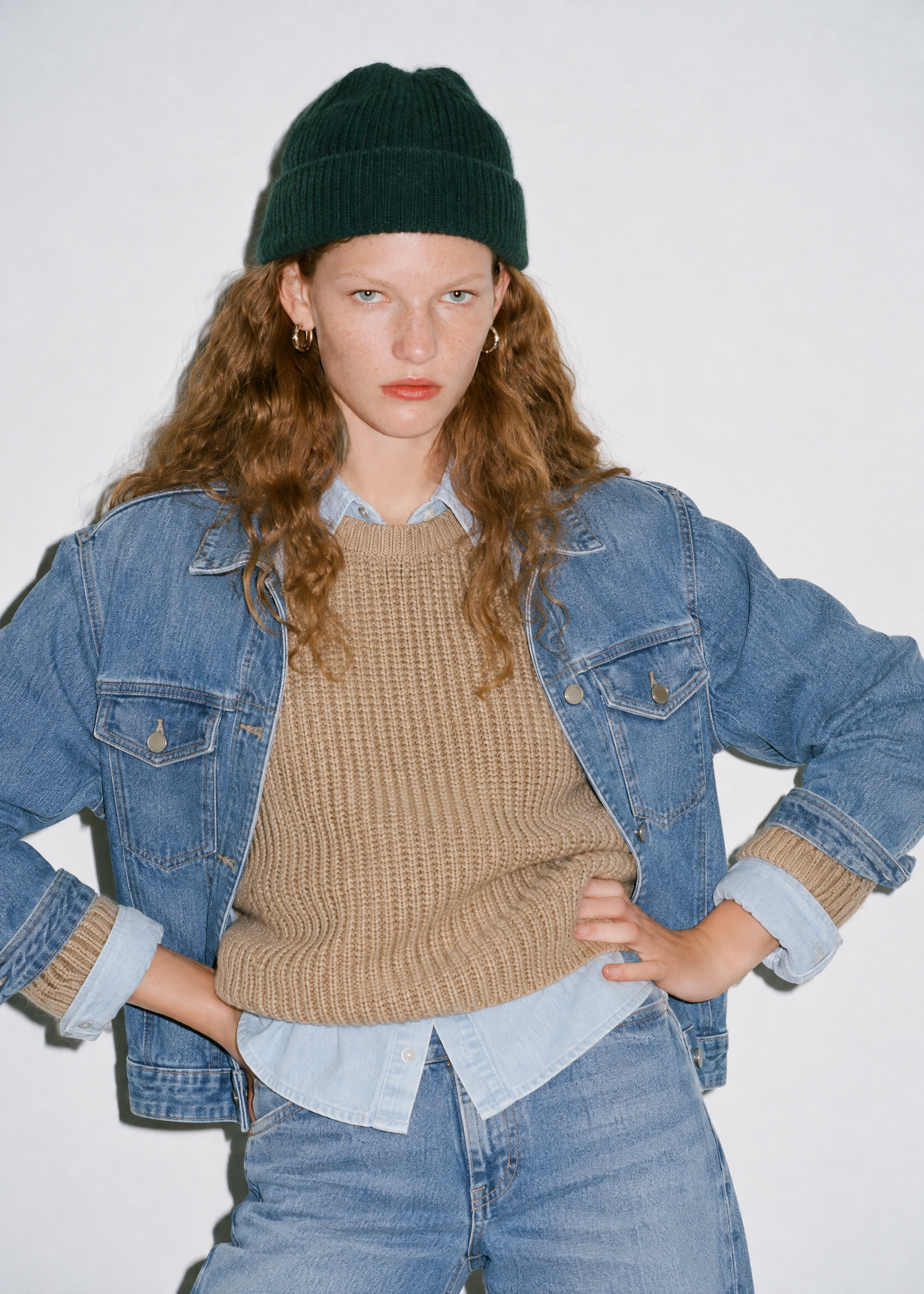
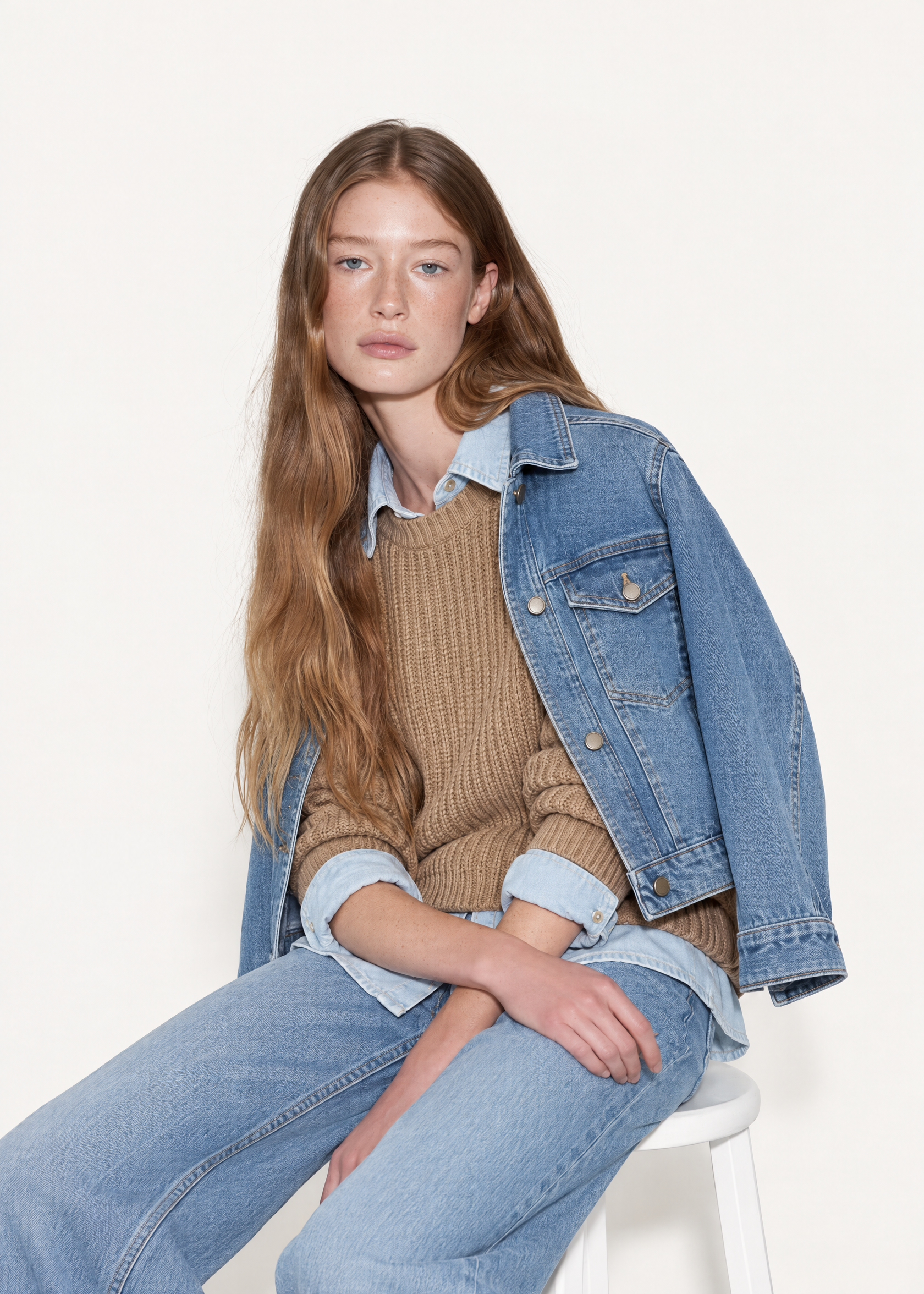
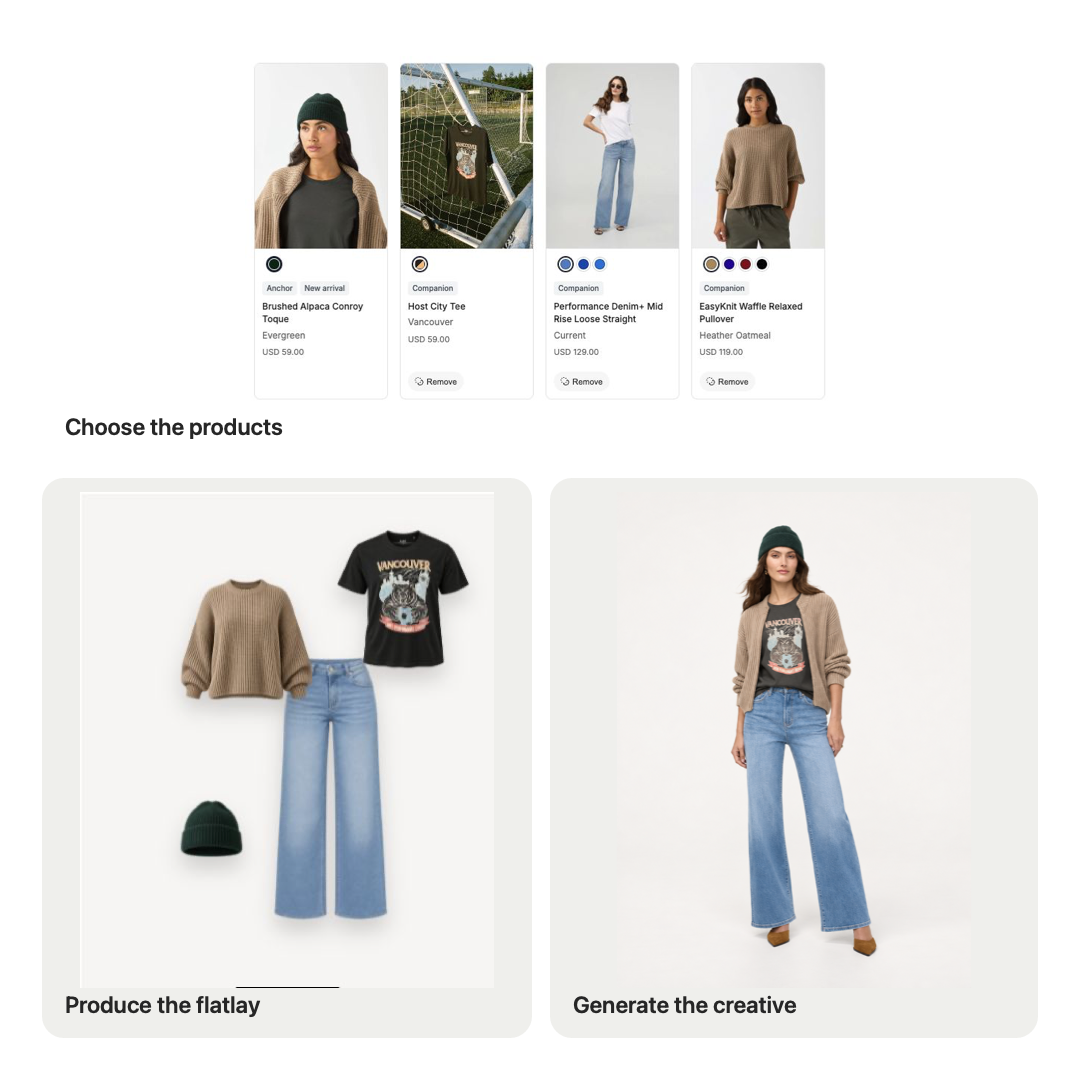
Start with an anchor product, select complementary catalogue pieces and review the whole look before presenting it to shoppers. LookBuilder™ surfaces possible pairings; StyleSets™ organises variations by occasion or styling direction; MerchCanvas™ makes an approved composition shoppable.
What makes a useful pairing?
A jacket may work with trousers, knitwear and an accessory. The products should complement each other in silhouette, proportion, colour, texture and occasion. Your team can remove or replace every suggested item.
Can existing imagery be used?
Yes. Start with your catalogue product images, build flatlays and explore AI-assisted creative. Compare generated details with the real products before approving imagery for publication.
Can the look reflect stock or sales priorities?
Connected stock, sales, launch and look-coverage signals can help identify a worthwhile brief. The available signals depend on data access, freshness and placement configuration. High stock alone is not a reason to show a product that does not fit the look.
How is this different from a discount bundle?
A look helps a shopper understand and explore products that work together. A bundle adds an offer or basket incentive where appropriate. You can test the visual merchandising independently of a discount.
How do you test it?
Begin with one collection or set of anchor products. Track look exposure, paired-product clicks and add-to-basket activity, then compare items per order and AOV with an appropriate baseline.
Read the complete-outfit guide · See the measurement guide.